
Real-time detection of theft gestures on your sales floor
Gesture analysis that flags concealment as it happens and sends a video alert to the team on the floor — instead of a loss discovered at stocktake.
Shrinkage is noticed at inventory, months after the theft
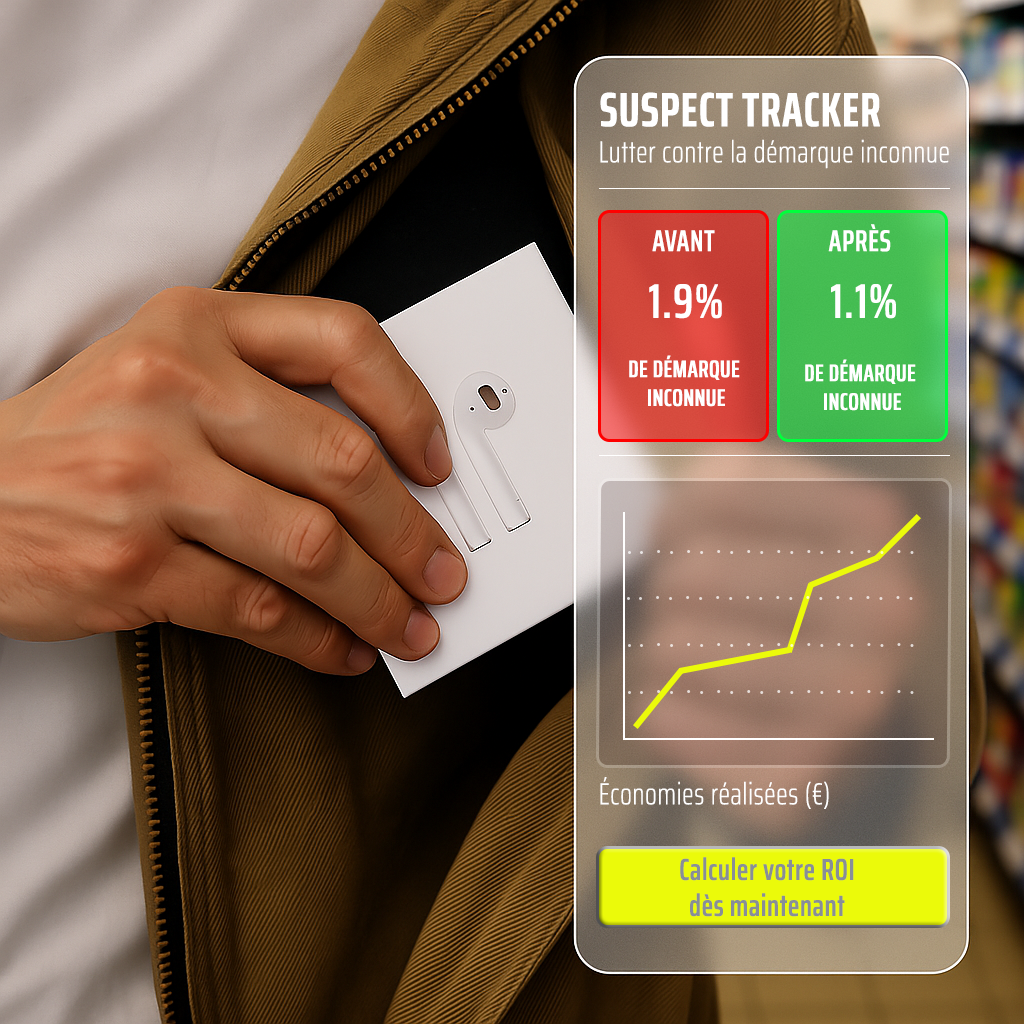
Unknown shrinkage sits between 0.5 % and 1 % of turnover in large grocery stores. It is discovered at stocktake — long after the goods left, and long after anything could have been done about it.
Cameras record the aisle, and someone reviews the footage once the loss is already booked. The gap is not coverage: it is the delay between the gesture and anyone seeing it.
It watches gestures, not people
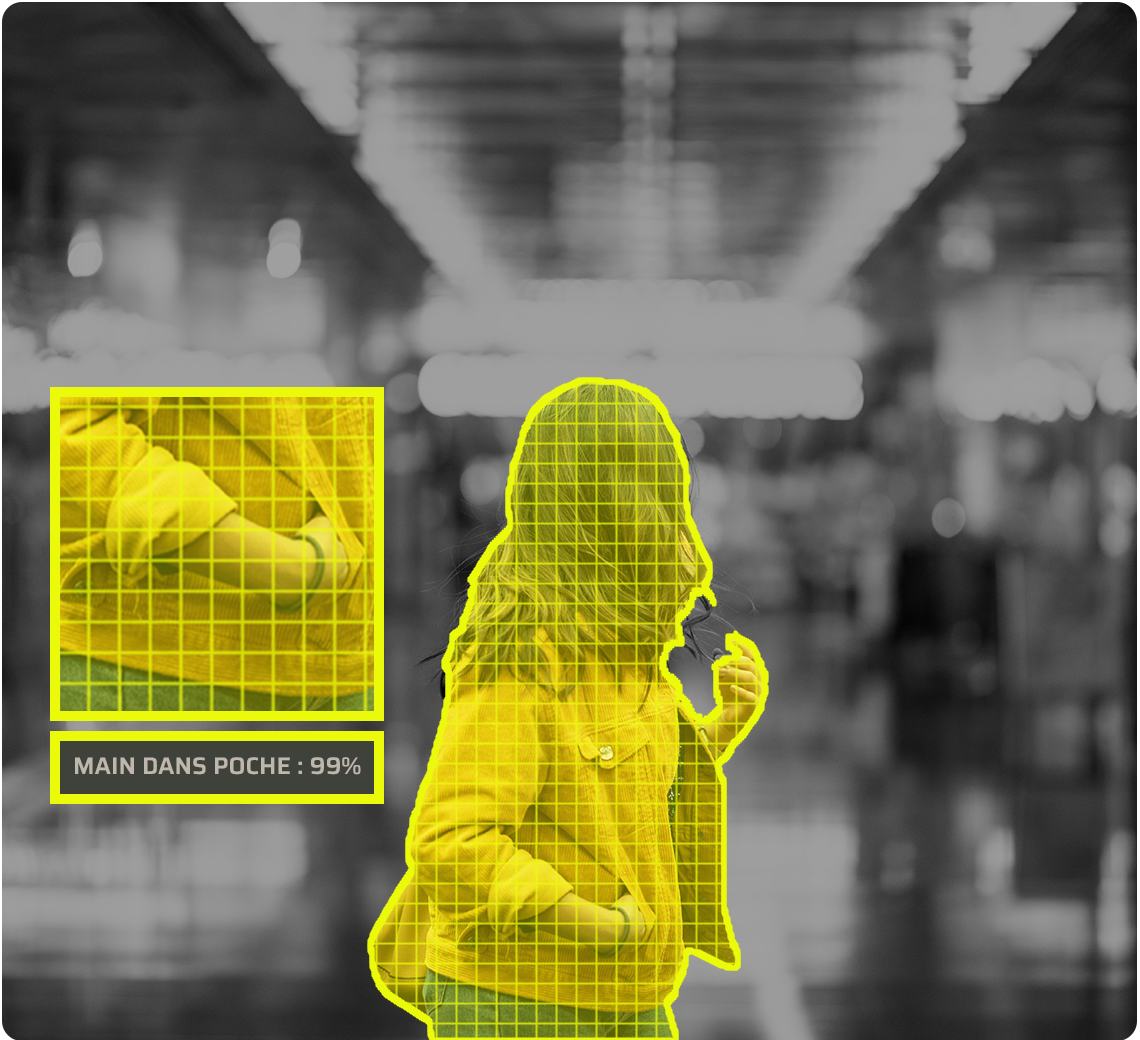
SuspectTracker analyses human gestures on the sales floor in real time — reaching into a pocket or a jacket, removing an item from its packaging, consuming a product on site. Each detection sends a video alert, not a suspicion.
A gesture is detected
The analysis runs on the existing camera stream and flags the gestures associated with concealment, not the person.
A video sequence is sent
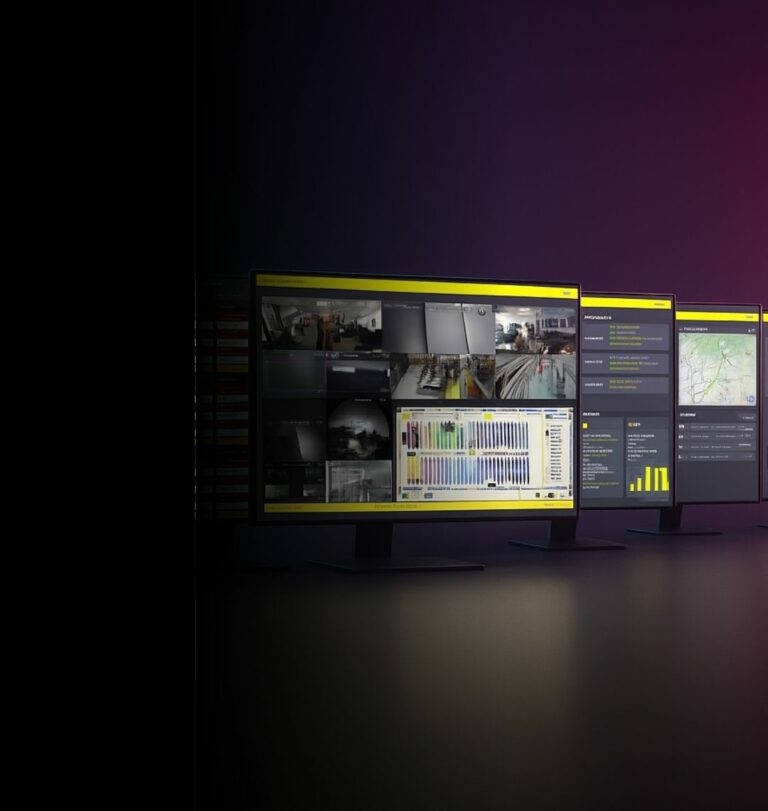
The alert reaches the app and your VMS, on the tablets or phones of the floor team — with the footage attached, so the call is made on evidence.
Your team decides
Confirm and intervene, or dismiss the alert. The thresholds are yours to set, aisle by aisle, so the alerts that reach the floor are the ones worth acting on.
See, Perceive, Foresee — applied to the sales floor

See
Watch what happens in the aisles in real time, across every store in the network.

Perceive
Read the daily and weekly summaries — alerts received, alerts verified, interventions recorded — and know where the losses actually occur.

Foresee
Identify the aisles, the hours and the patterns that repeat, and act on the layout before the next stocktake.
SuspectTracker is not ZoneTracker
Both watch a camera stream and raise an alert. They answer two different questions, and a store usually needs both.
SuspectTracker — inside, during opening hours
Analyses gestures on a sales floor open to the public. The risk is shoplifting, in front of everyone, while the shop is trading.
ZoneTracker — outside, or after hours
Detects a human presence entering an area you have defined. The risk is a break-in, a yard at night, a restricted room.
The aisles where shrinkage concentrates
High-value aisles
Spirits, cosmetics, small electronics — a few square metres that carry a disproportionate share of the loss.
Self-checkout areas
Where scanning is delegated to the customer, verification has to come from somewhere else.
Blind spots by design
End caps, corners, promotional islands: the places built to stop customers are also the places that hide gestures.
Stores without a security officer
The alert goes to the phone of whoever is on the floor, rather than to nobody.
Store networks
The same rules and the same summaries across every site, instead of one practice per manager.
Peak trading periods
When the floor is busiest, the team has the least attention to spare — that is when the analysis carries the load.
They trust us
“We are very satisfied with all ANAVEO equipment, including video surveillance, intrusion detection and remote monitoring. The clarity and quality of the images are excellent, even at night. The sales and customer service teams are available and responsive.”
“As a client for over 10 years, I am extremely satisfied with having equipped my 8 Intermarché stores and 7 bakeries with ANAVEO’s video surveillance solutions. Your remote monitoring tool is practical, and the quality of your customer service sets you apart.”
 Sébastien PillardPresident, Intermarché (18)
Your questions about SuspectTracker
What does SuspectTracker actually detect?
Gestures associated with concealment: reaching into a pocket or a jacket, removing an item from its packaging, consuming a product on site. It analyses the gesture, not the person.
Does it identify or recognise individuals?
No. The analysis is on gestures. Any deployment is framed by the applicable data protection rules, and staff information is part of the project, not an afterthought.
Who receives the alert?
The app and your VMS, and from there the tablets or phones of managers, security staff or the floor team — with the video sequence attached.
How is the sensitivity set?
The thresholds are set with you during deployment and adjusted on your own sales floor, aisle by aisle, so the alerts that reach the team are the ones worth acting on.
Can I measure what it changes?
Yes. The app provides daily and weekly summaries — alerts received, alerts verified, clicks per user — and a record of interventions.
How is a deployment prepared?
The audit starts from your floor plan and the cameras already in place, and identifies the aisles where the analysis brings the most.
The rest of the INNOVEO range
Find out where your shrinkage actually happens
An audit starts with your floor plan, your trading hours and the cameras already in place — not with a catalogue.